
Export Profiling Results
You can export profiling results for a catalog item as a Microsoft Excel file. Exporting profiling results is useful for sharing results with data owners or stakeholders without access to Ataccama ONE, such as external auditors or colleagues in other departments.
Export profiling results to Excel
To export the results:
-
Open the catalog item and go to the Profile & DQ insights tab.
-
Select the three-dots menu next to the profiling run dropdown.
-
Select Export as an Excel file. The file downloads to your device with the name
exported_profile_{catalog-item-name}.xlsx.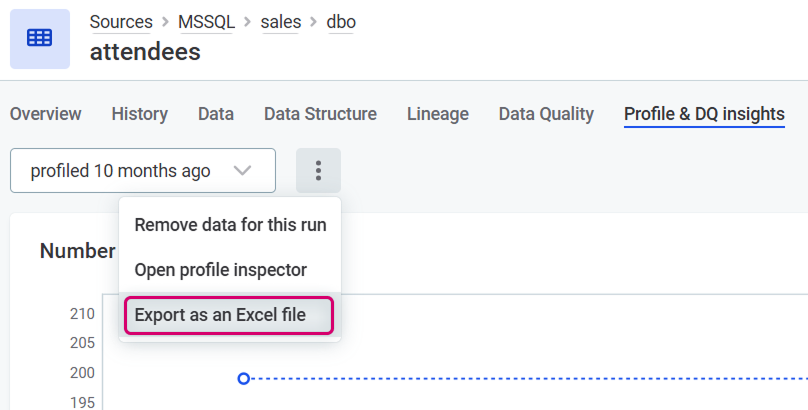
What’s included in the export
The exported Excel file contains:
-
Overview sheet: A summary of the catalog item profile. Contains statistics from the catalog item Profile & DQ insights screen. This sheet includes links to individual attribute sheets.
-
Attribute sheets: One sheet per attribute, containing detailed profiling statistics for that attribute.
| Some profiling information that cannot be represented in Excel format, such as historical record count graphs, is excluded from the export. |
Was this page useful?