
Work with Published Reference Data
Once published, reference data tables created in the Reference data module become available throughout the platform via Catalog. This integration creates a centralized source of truth for your reference data assets.
Before you begin
This guide assumes you have basic working knowledge of Catalog.
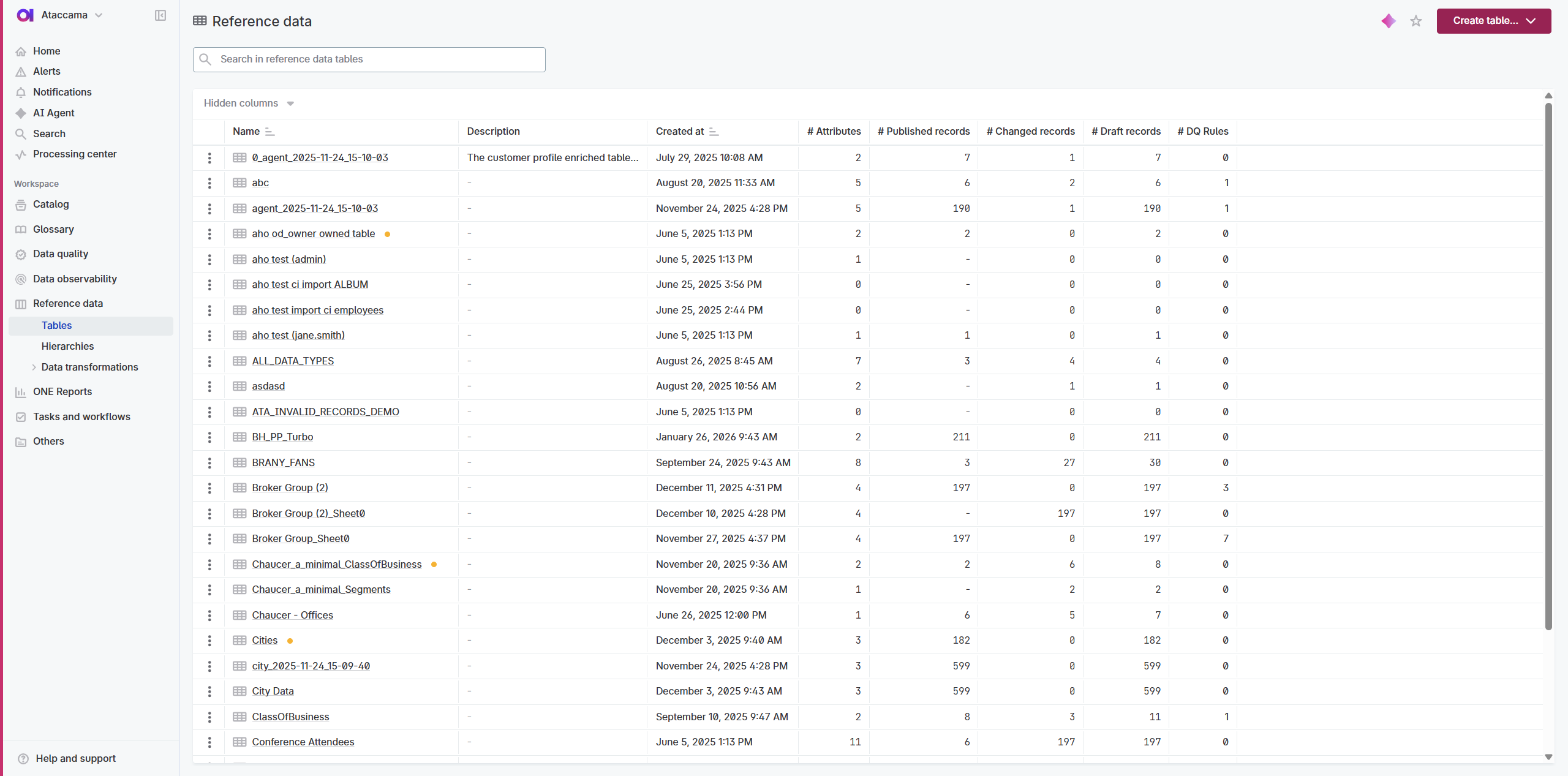
Reference data tables in Reference data:
Published reference data in Catalog:
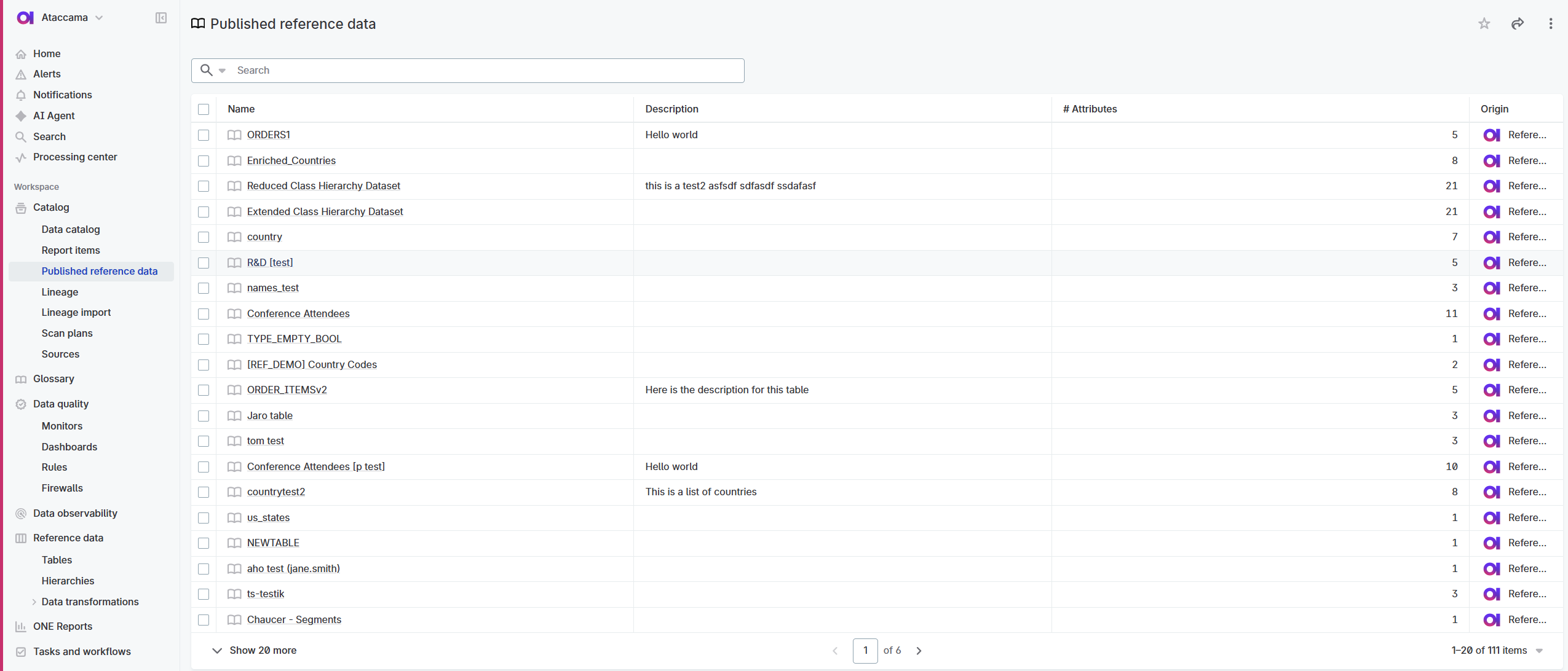
How reference data appears in Catalog
Published reference data automatically appears in Data Catalog. To find it, apply one of the following filters on the Data Catalog listing page:
-
Type:
Reference Data Catalog Item -
Location:
Reference Data -
Connection:
Reference Data Management
Each reference data table becomes a Catalog item that includes:
-
An Overview tab with basic information
-
A link back to its source in Reference data
-
Metadata for discovery through Global Search
-
Integration points for rules and transformations
| To publish reference data and make it available in Catalog, see Publish Changes. |
Find reference data in Catalog
There are several ways to discover reference data in Catalog:
- Filter by type
-
-
Go to Catalog > Data Catalog.
-
Select the Type filter and choose
Reference Data Catalog Item.Alternatively, filter by Location: Reference Data or Connection: Reference Data Management.
-
All published reference data tables matching the filter are listed.
-
- Use global search
-
-
Use the search bar to find reference data alongside other data assets.
-
Reference data appears with clear labeling and descriptions.
-
- Search within rules
-
-
When creating data quality rules, you can search for and select reference data tables directly.
-
To access the original reference data table for editing, select the link in the Overview tab or go to Reference data > Tables.
Use reference data for data validation
One of the primary benefits of having reference data in Catalog is using it to validate other data sources.
Use reference data in data transformations
Reference data tables can be used in data transformation plans just like any other Catalog item.
Common transformation patterns
- Data enrichment
-
-
Use the Catalog item input step to access reference data.
-
Join reference data with your source data to add descriptive information.
-
Output enriched data to your target systems.
-
- Data standardization
-
-
Access mapping tables that translate between different system codes.
-
Transform source values to standardized master values.
-
Ensure consistency across multiple data sources.
-
- External distribution
-
-
Access reference data for automated distribution.
-
Transform and format for specific target systems.
-
Use the Database Output step to make reference data available outside the platform.
-
Example: Product code standardization
You have product codes from three systems that need to be standardized: - ERP system uses format: PROD_001 - CRM system uses format: P-001 - Reporting system uses format: PR001
Create a transformation that: 1. Inputs your product mapping reference table 2. Joins source data with the mapping table 3. Outputs data with standardized product codes
Next steps
Now that you understand how reference data works in Catalog:
-
Export data: Export Reference Data Tables - Download published data.
-
Set up monitoring: Data Quality Integration - Monitor how well your data matches reference standards.
-
Optimize governance: Best Practices - Learn general best practices for managing reference data at scale.
-
Troubleshoot issues: Troubleshooting - Resolve common problems with reference data usage.
Was this page useful?