
Configure RDM Settings
Configure how datetime values are displayed across reference data. These settings are application-wide and affect how datetime values appear for all users.
Access RDM settings
-
Go to Global settings > Application settings > RDM settings.
To access Global settings, select the Ataccama logo.
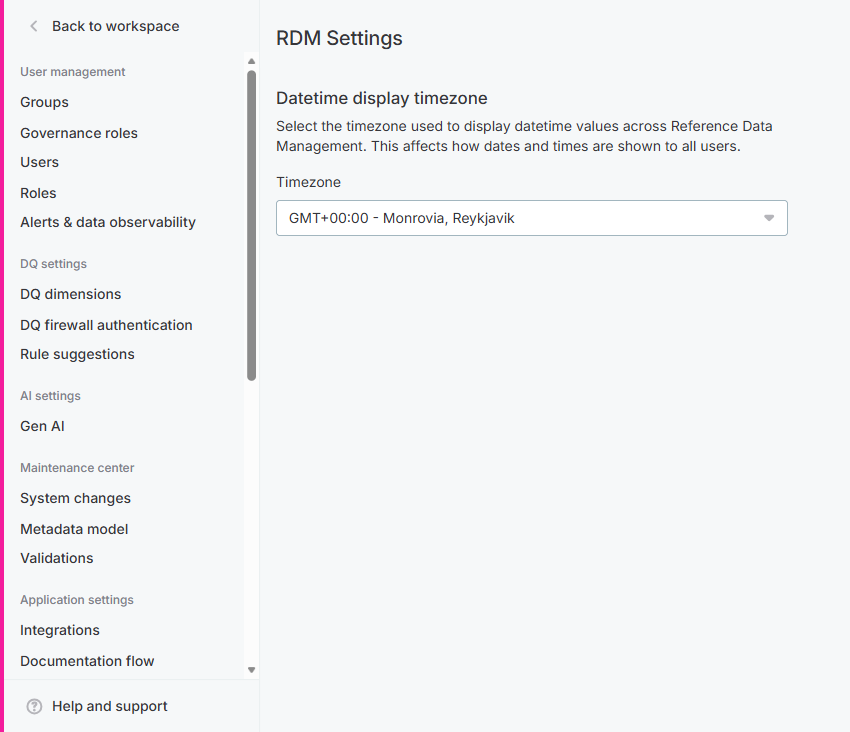
Datetime display timezone
Datetime values in reference data tables are stored in UTC. You can select a display timezone so that datetime values are shown in a different timezone across the entire reference data module.
When a display timezone is configured, all datetime values are automatically converted from UTC to the selected timezone for display, and converted back to UTC when users edit or enter values.
To set the display timezone:
-
In RDM settings, locate the Datetime display timezone section.
-
In the Timezone dropdown, select a timezone.
Timezones are listed by GMT offset and location, for example
GMT+02:00 - Amsterdam, Berlin, Bern, Rome, Stockholm, Vienna. The list is sorted fromGMT-12:00toGMT+13:00.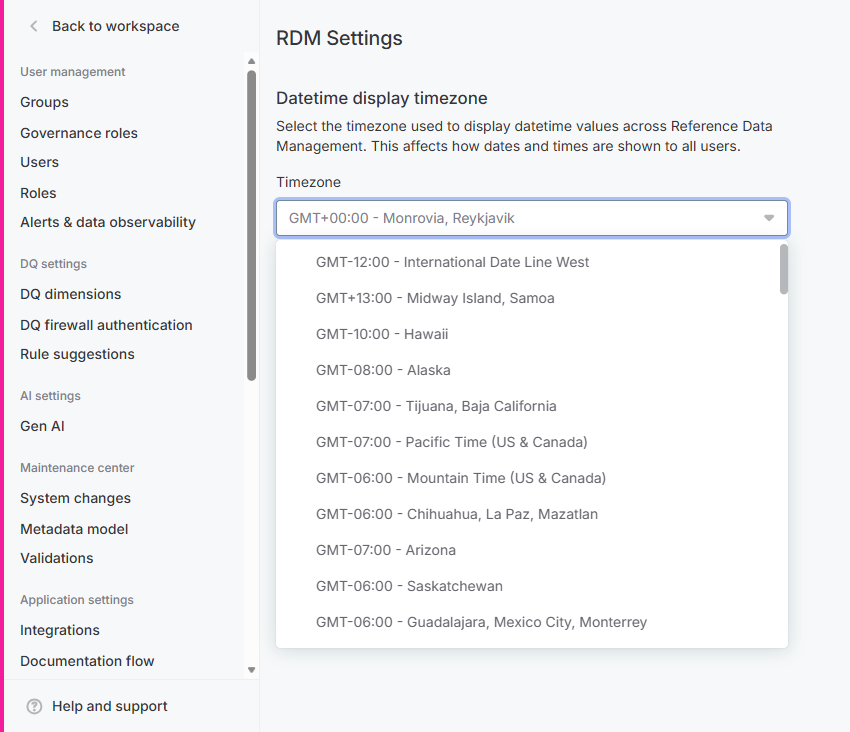
Your selection is saved automatically.
The display timezone affects datetime values in grid columns (in the Published, Drafts, and Review tabs), record detail, cell editing, and bulk edit. Datetime filter inputs accept values in the display timezone and convert them to UTC for server-side filtering. Bulk edit operations on datetime columns also convert transparently between the display timezone and UTC.
Was this page useful?