
Run Profiling
Profiling analyzes the structure and content of your data.
Profiling runs automatically at the times specified in the schedule. You can also run it manually when needed.
Before you start
Make sure you have set up a DQ monitor with:
-
Profiling enabled in monitor settings.
-
Profiling type selected (sample or full).
Schedule profiling
To schedule profiling, follow the instructions in Schedule.
Run profiling manually
To run profiling manually:
-
For a catalog item: Open the catalog item monitor and select Profile or Profile and Evaluate (option available depends on the monitor configuration).
-
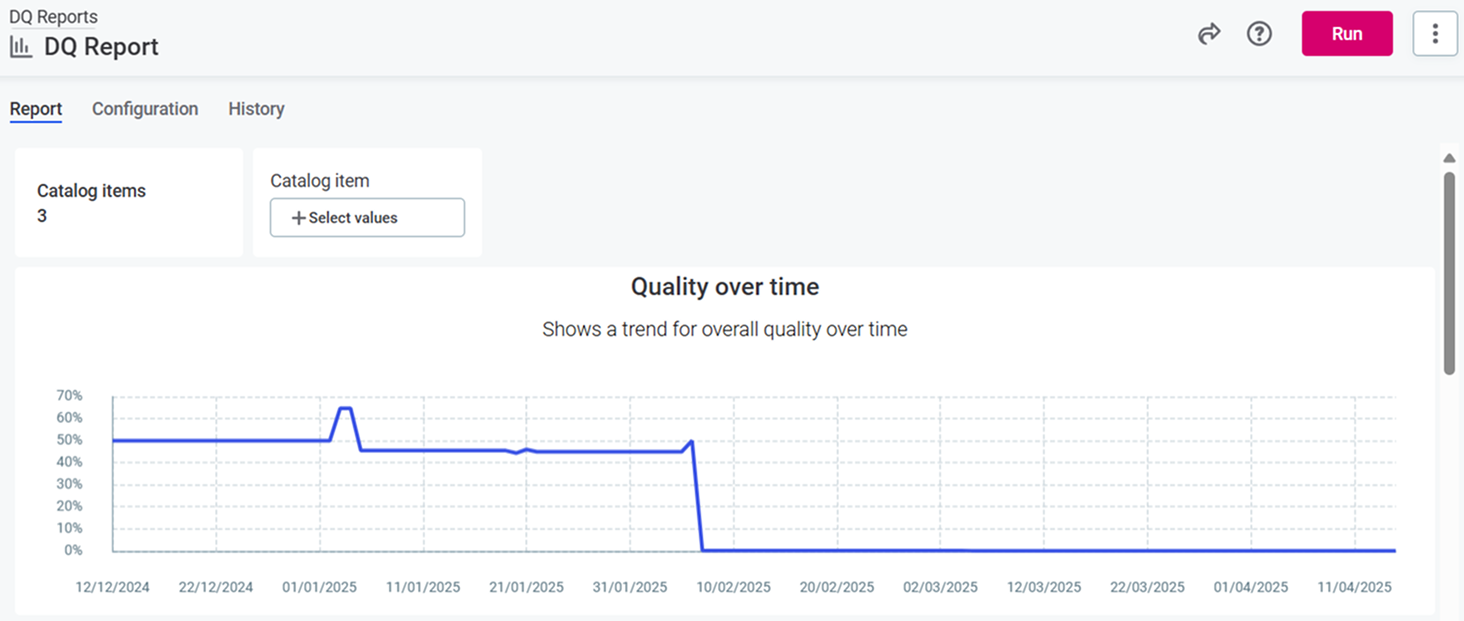
For a DQ dashboard: To run profiling (if configured) and DQ evaluation for all catalog items in a DQ dashboard, select Run on the dashboard.
View results
After the run finishes, open the monitor Attributes tab, select an attribute, and open the Profiling tab of its sidebar.
Next steps
After profiling completes, analyze your results:
-
Understand Profiling Results: Interpret profiling statistics and patterns.
-
Investigate DQ Issues: Use profiling insights to identify data quality issues.
Was this page useful?