
Catalog & Glossary
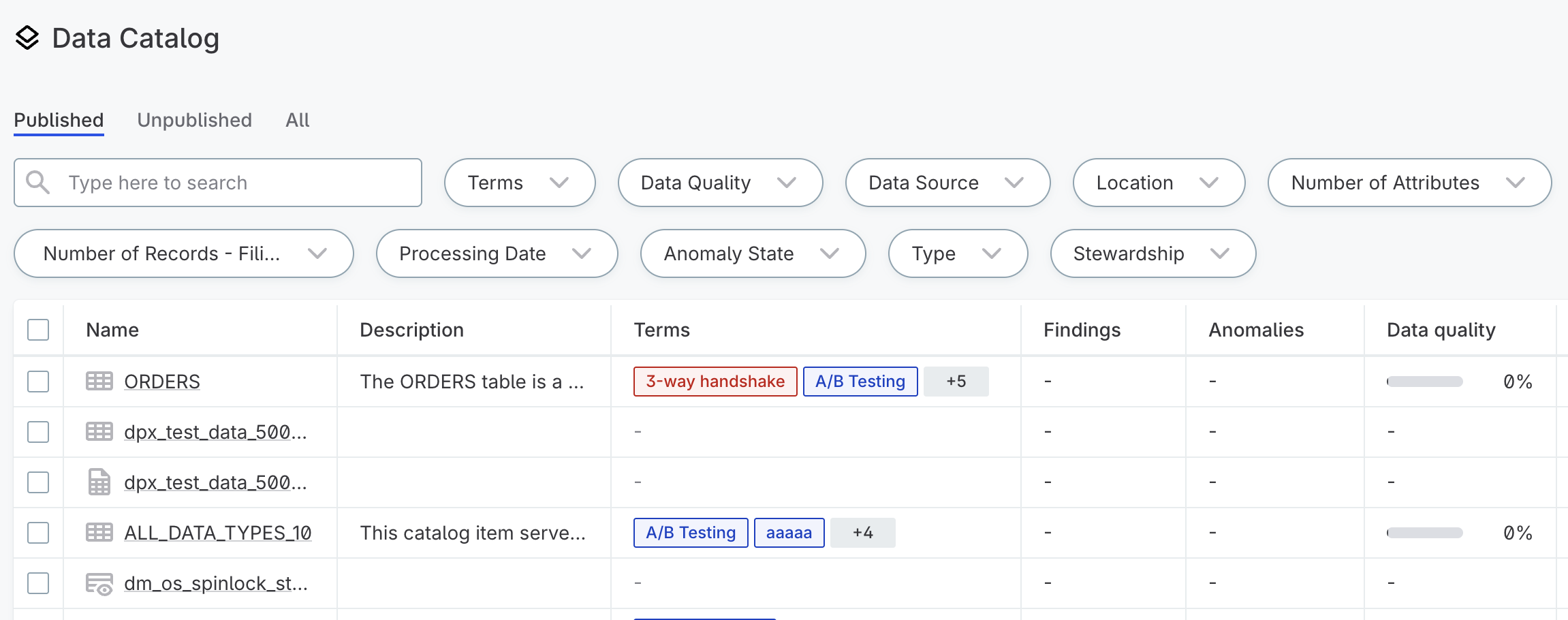
Catalog provides a unified view of your organization’s data assets. It connects to your data sources, collects metadata, and presents everything in a single, searchable location where you can browse data, run profiling, and track lineage.
Glossary complements the catalog as a centralized repository for business terms that categorize and describe your data. Together, Catalog and Glossary help you organize, understand, and govern your data.
Why a well-maintained catalog matters
-
Centralized data discovery: Access all your data assets from a single location instead of navigating multiple systems.
-
Standardized vocabulary: Use glossary terms to establish consistent definitions across teams and systems.
-
Business context: Apply terms and descriptions that make data understandable to both technical and business users.
-
Data quality insights: Identify patterns, anomalies, and potential issues through profiling and DQ evaluation.
-
Data lineage: Understand where data originates and how it flows through your systems.
Get started with Catalog and Glossary
Build your data inventory by connecting sources, populating the catalog, and creating a glossary to add business context to your data.
Connect a data source
Connect your data sources, such as a cloud warehouse, relational database, cloud storage, or BI tools. See Sources.
Populate the catalog
Import metadata to make your data assets discoverable. Run a documentation flow to combine import with profiling and domain detection.
See Import Metadata.
Manage stewardship and access
Assign ownership of data assets to ensure accountability and streamline access management. Share assets to make them available outside of the stewardship group.
Profile data
Profile your data to understand its structure, patterns, and quality. Schedule profiling to keep insights current.
See Profiling.
Build your glossary
Build a glossary to give your data business meaning and establish a shared vocabulary across teams. Start with frequently used terms, core business concepts, and compliance-related terminology.
See Build a Glossary and Create Term.
Detect terms automatically
Once you have defined your glossary, set up detection rules to apply terms across catalog items based on data values or metadata.
Search and explore the catalog
Search and filter to find data across all connected sources. Explore catalog item details for quality metrics and lineage.
See Explore Your Data.
Learn more
-
Data Quality Monitoring and Observability: Monitoring data and pipeline health over time.
-
Lineage: How data flows across your systems.
-
Stewardship: Ownership and accountability for data assets.
-
Sharing Access to Assets: Granting access beyond the stewardship group.
-
Publishing and Tasks: Approval processes for access requests and changes.
Was this page useful?